01 · Listen
Hear it like test day.
A calm examiner voice reads each instruction in test order. A full mock is 24 instructions from 61 scenarios, a new mix every time.
Road test rehearsal
Rehearse every move from your chair, with a calm examiner voice. Then try three right here.
Coming soon to iPhone, starting with Ontario’s G2. Other regions next. The web drill works today, no account.
Test-day nerves
Your road test is in 12 days. Mirror, signal, shoulder check… in what order again?
Ten minutes in your chair, every move out loud, in test order. It’s easier to recall when nerves kick in.
01 · Listen
A calm examiner voice reads each instruction in test order. A full mock is 24 instructions from 61 scenarios, a new mix every time.
02 · Act
Mirror, signal, shoulder check. Do each one in your chair before the lane drains. Wear AirPods and the app notices your head checks.
03 · Review
All 303 steps have their own trick, the way instructors teach it. Miss a step and its trick is right there.
04 · Drill
Skipped steps become weak spots. They keep coming back in your drills until you stop missing them.
From the handbook and the people who teach it
Features
Learn
63 top-down scenes. In Your turn the scene stops and asks: what’s your next move? Answer from the driver’s seat before the bar runs out, in the right order: brake before the engine, mirror before the brake. Then watch what happens when a driver gets it wrong.
Head checks
AirPods or the Face ID camera notice when you turn your head. It all stays on your iPhone.
Your rules
Picked for your licence and age, with the month each one ends, and a link to the handbook.
Your road
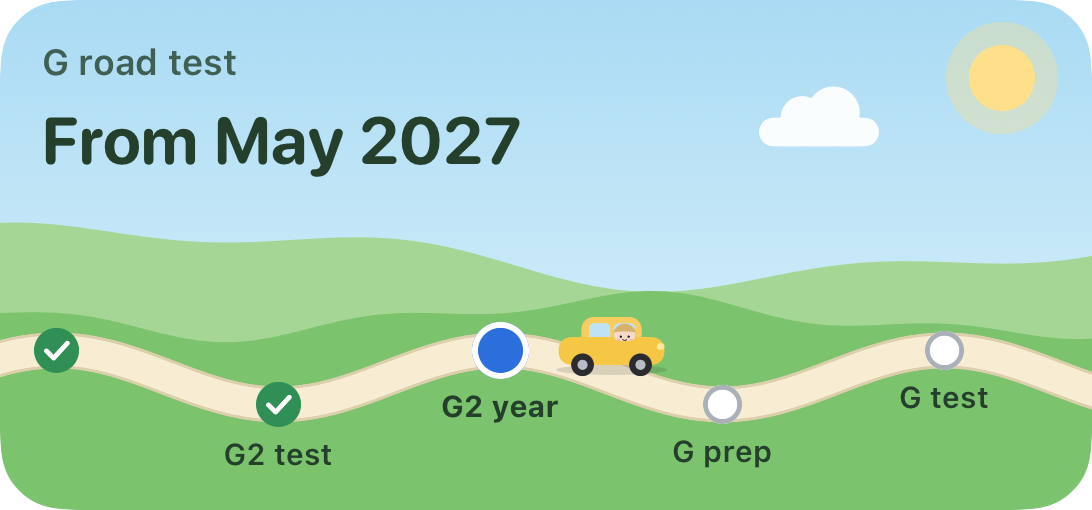
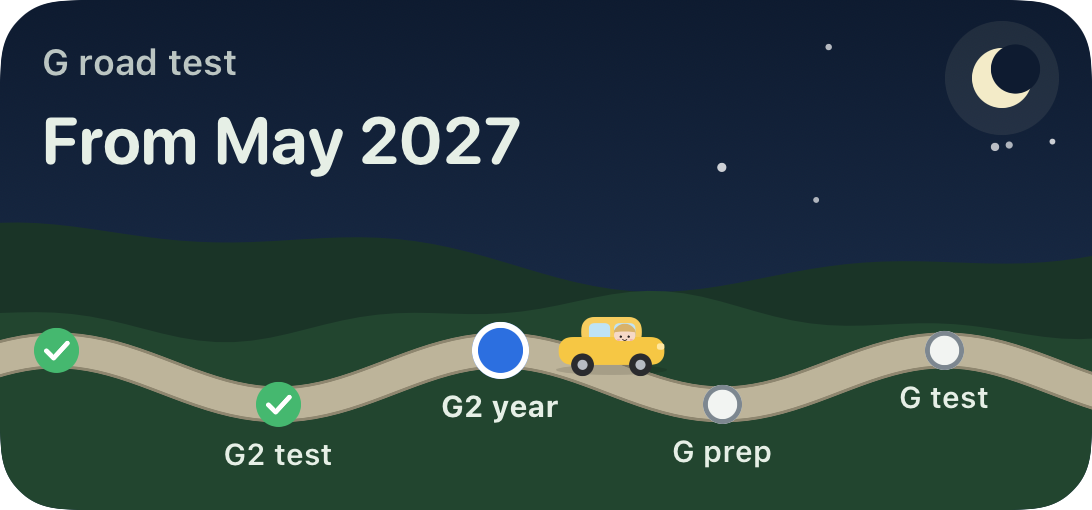
Seven stops, with a character that looks like you. Pass your G2 and your car comes out of your pocket, in your colour: you drive the rest of the way, a little further each month. When each test opens, and how long is left of your five years. On your Home Screen too.
Parking and turns
Parallel park, reverse park, three-point turn and hill parks, step by step. Save your own reference marks.
Test day
Your test time and folder on the Lock Screen, three hours before. No ticking countdown.
Two free drills. Nothing to install, nothing sent anywhere.
Details
Start chair drill,
Drill my weak spots,
When is my road test
FAQ
No. This app is a simulation and mental-training tool. It helps you rehearse what to do and build habits at home. It doesn't replace driving lessons, a licensed driving instructor, or real practice behind the wheel. Rules can change, so follow the Official MTO Driver's Handbook and your instructor. Not affiliated with the Ministry of Transportation of Ontario or DriveTest.
Many marks on the G2 test are for habits in the right order: mirror before brake, signal before steer, chin to your shoulder. Saying and doing that order at home makes it easier to recall when nerves kick in.
The Official MTO Driver’s Handbook, DriveTest’s own pages, and interviews with Ontario driving instructors about where people actually lose marks. Rules were last checked 8 Nov 2026. If your instructor teaches a move differently, go with your instructor.
No. The app keeps everything on your iPhone, and the free web drill sends nothing anywhere.
Every scenario works for any Ontario centre. These 11 also have local notes: Brampton, Hamilton, Kitchener, Lindsay, London, Mississauga, Ottawa Walkley, Toronto Downsview, Toronto Etobicoke, Toronto Metro East and Toronto Port Union.
For now. Ontario’s G2 comes first because every rule in it is checked against Ontario’s own handbook. Other provinces and regions are coming next, each checked the same way. No dates yet.
Coming soon: practice for the G1 knowledge test, then the G road test, with highway driving. After that, motorcycle licences (M1, M2 and M). No dates yet.
Soon. A TestFlight beta comes first, and founding testers get a code for the Test Pass. Until then, try the free web drill.
Not affiliated with the Ministry of Transportation of Ontario or DriveTest.
Coming soon · iPhone · iOS 26 or later